Yes, you can temporarily disable or permanently remove the Autocharge link. This will prevent new sessions from being billed to your account. If you decide to sell your vehicle or no longer want to Autocharge, please remove Autocharge from your account to prevent sessions being billed incorrectly to your account.
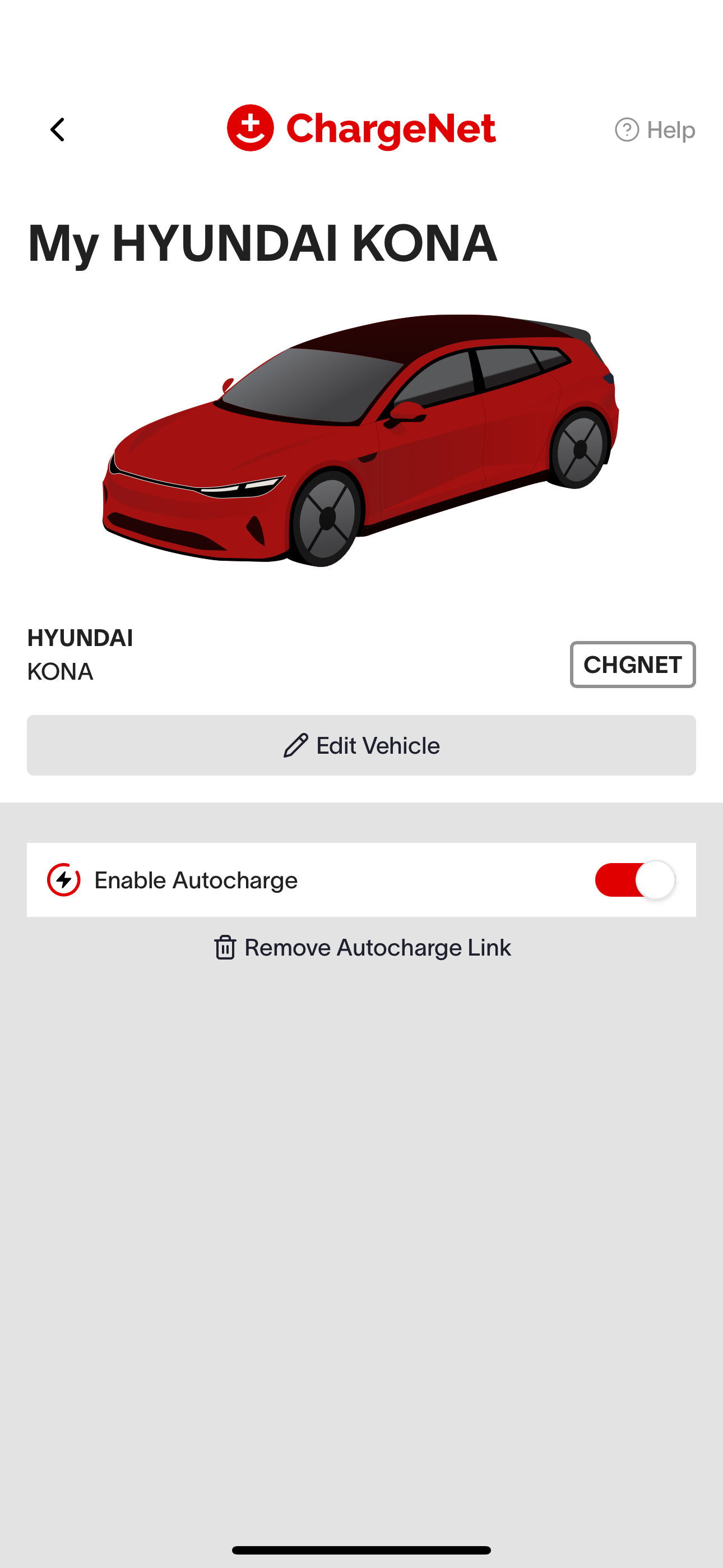
To pause Autocharge temporarily (e.g. lending your EV), open your app, select your vehicle, and toggle Autocharge off.
To remove the Autocharge link permanently, click the text below that shows “Remove Autocharge Link”.
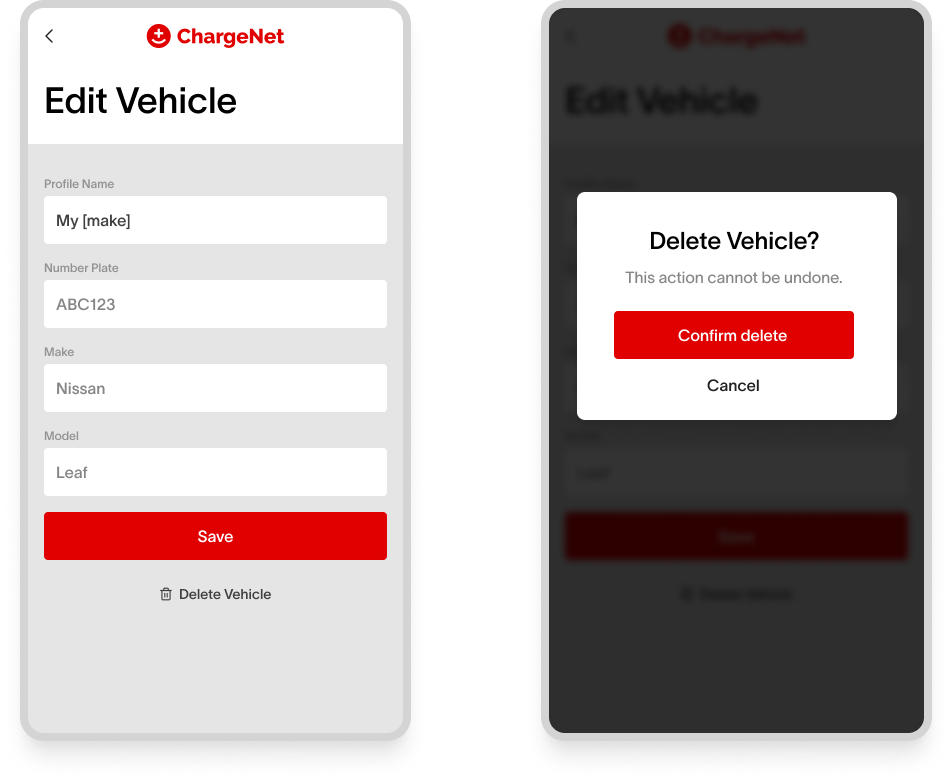
Alternatively, you may also delete your vehicle (e.g. if you are selling your EV), which will also delete the Autocharge link.