

Most DC fast-chargers on the ChargeNet network will support automatic charging.
“Automatic charging” refers to both Autocharge and Plug & Charge. To find out more, see https://support.charge.net.nz/support-hub/automatic-charging
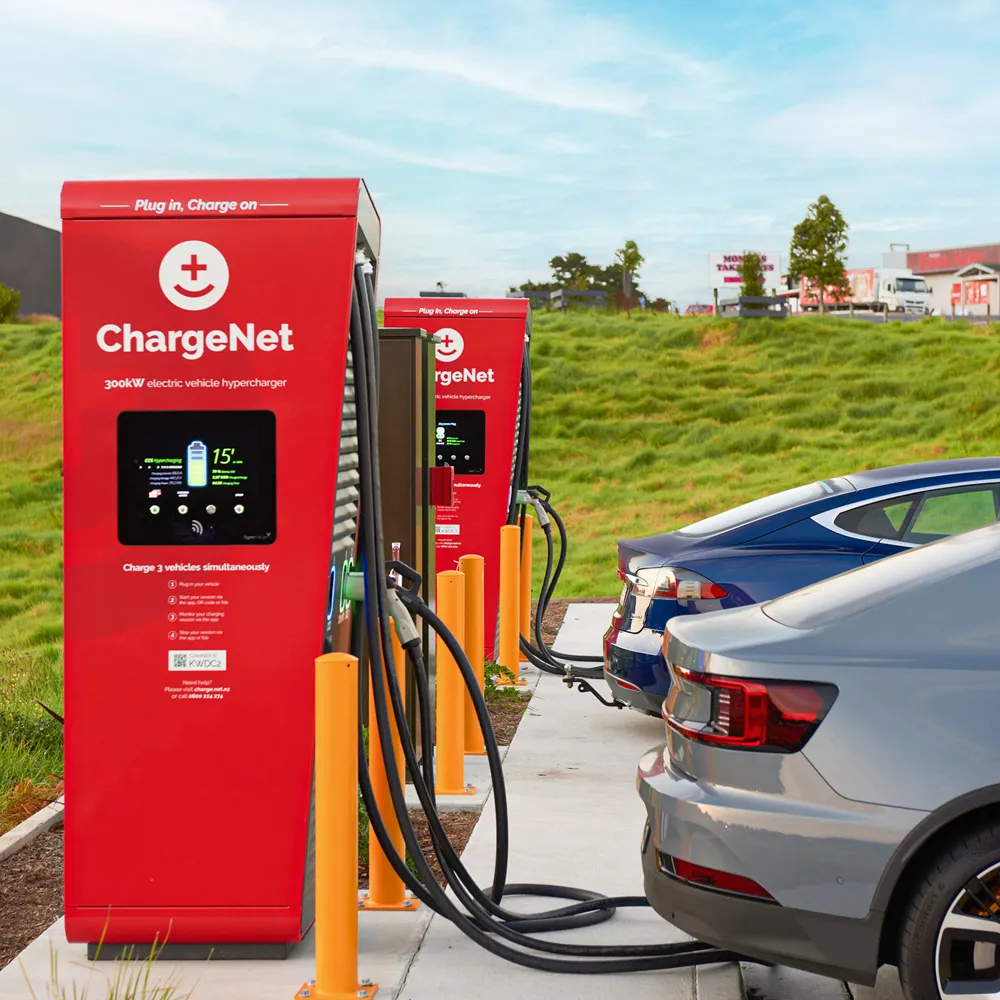
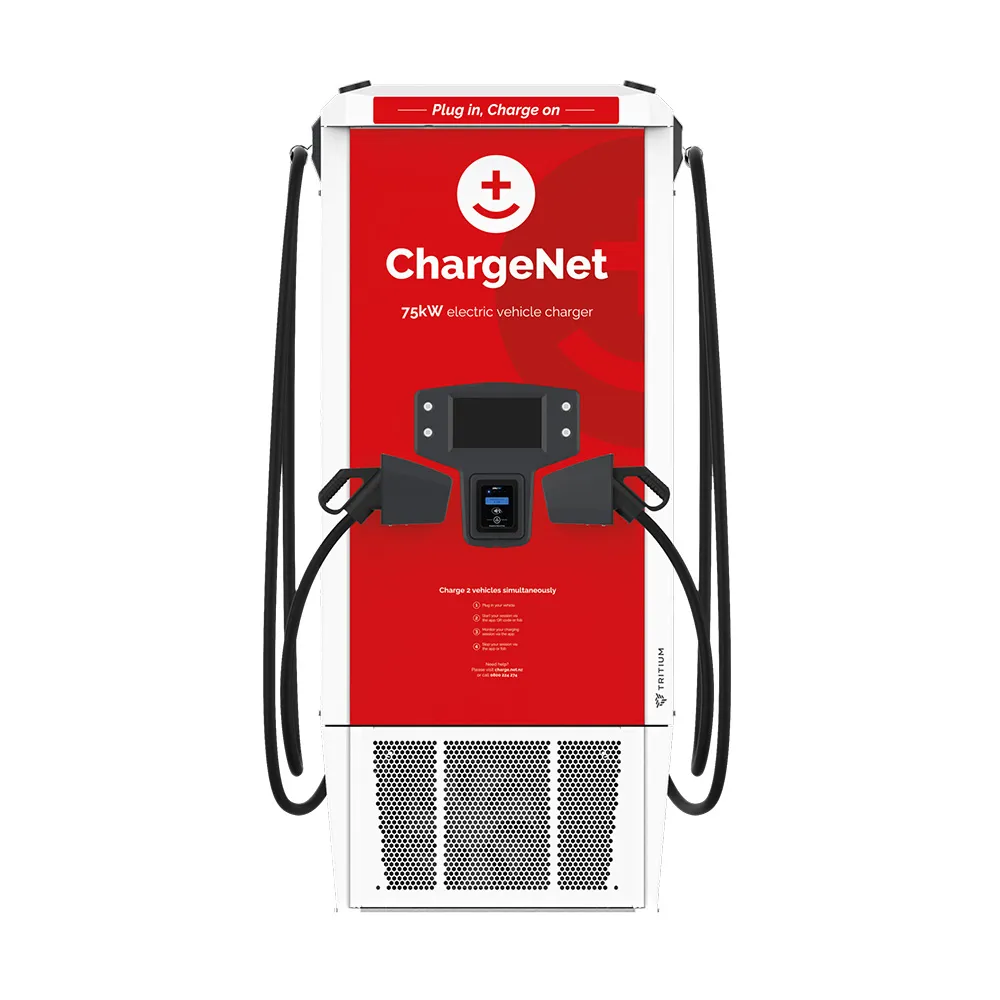
If you are checking in person, Alpitronic DC fast chargers support automatic charging for both methods, Tritium RTM75 supports Autocharge and Plug & Charge likely from May 2026. ABB and other chargers have limited coverage, please check the app.
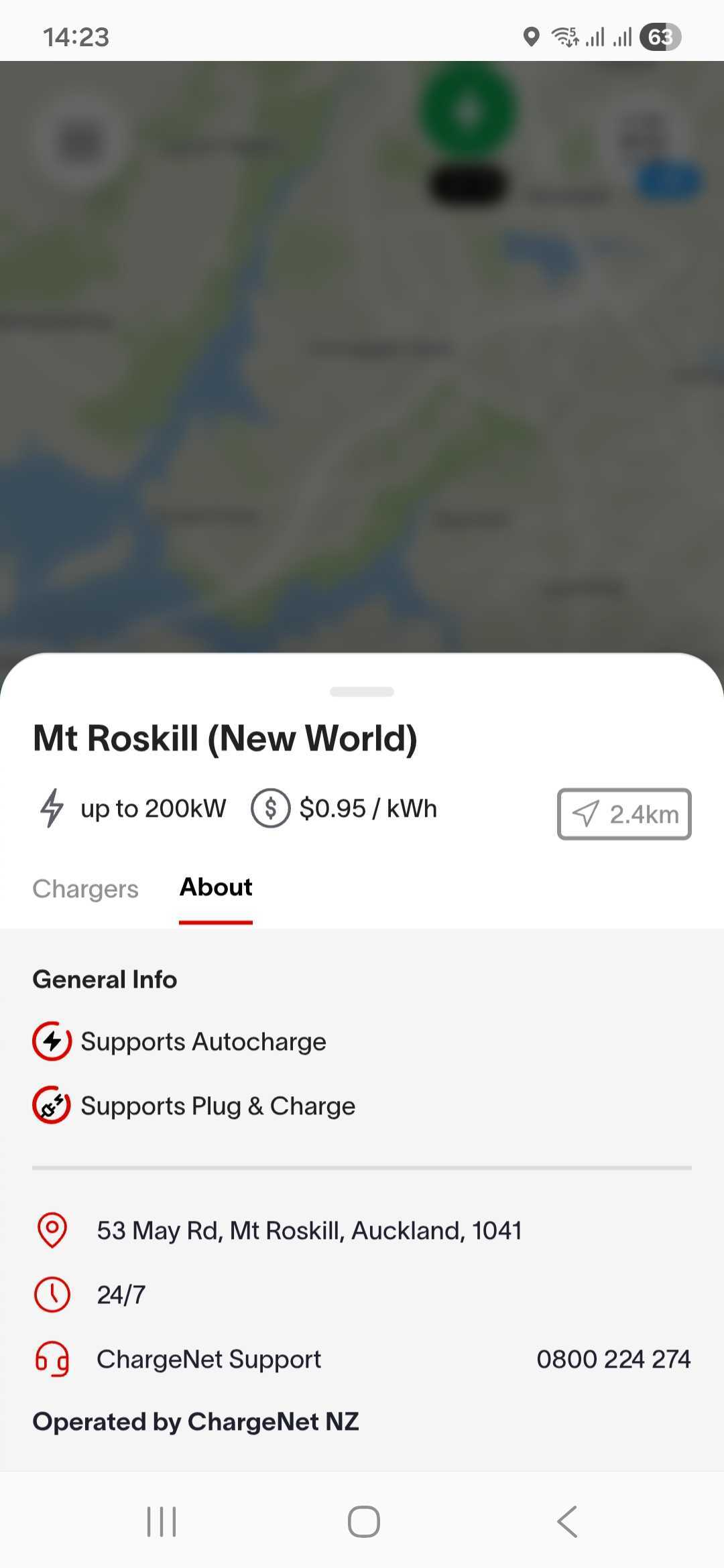
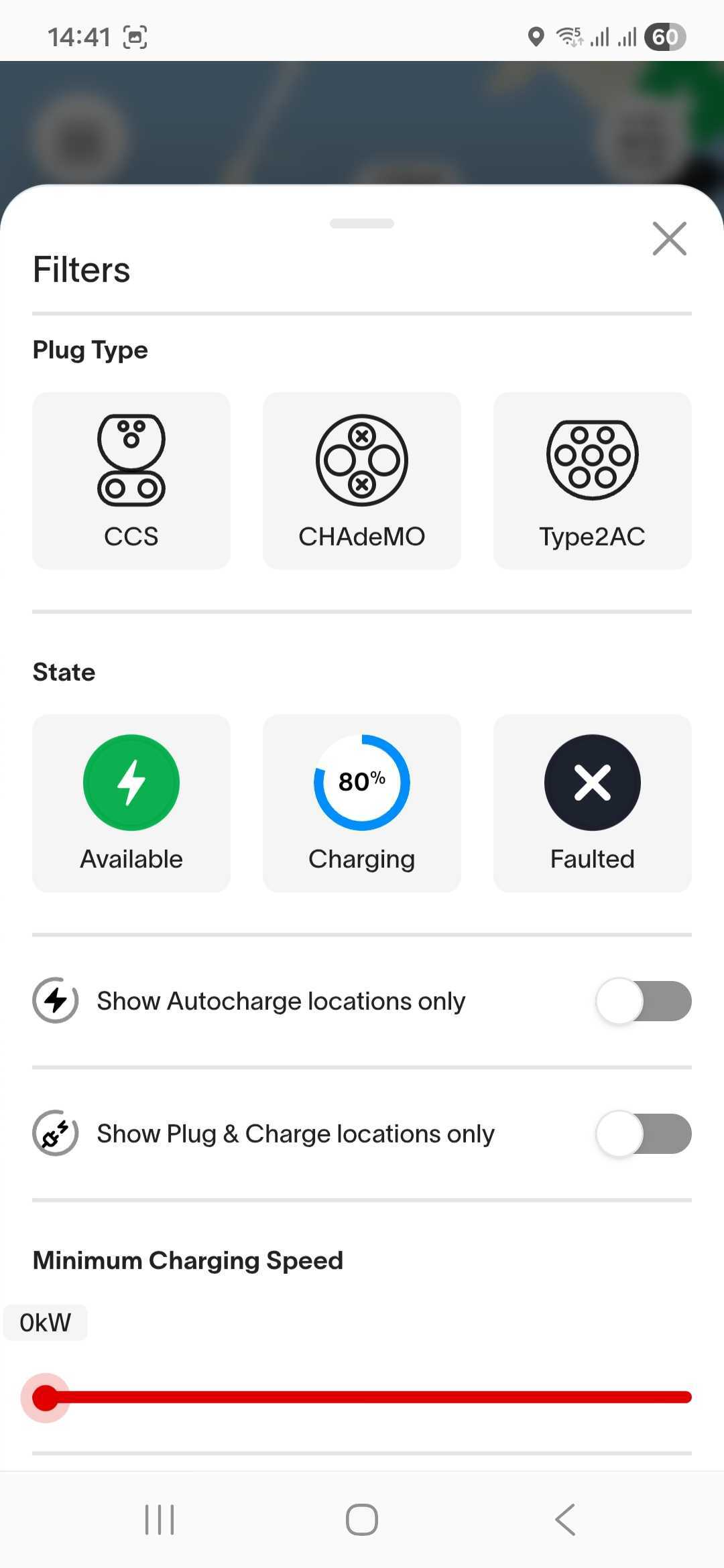
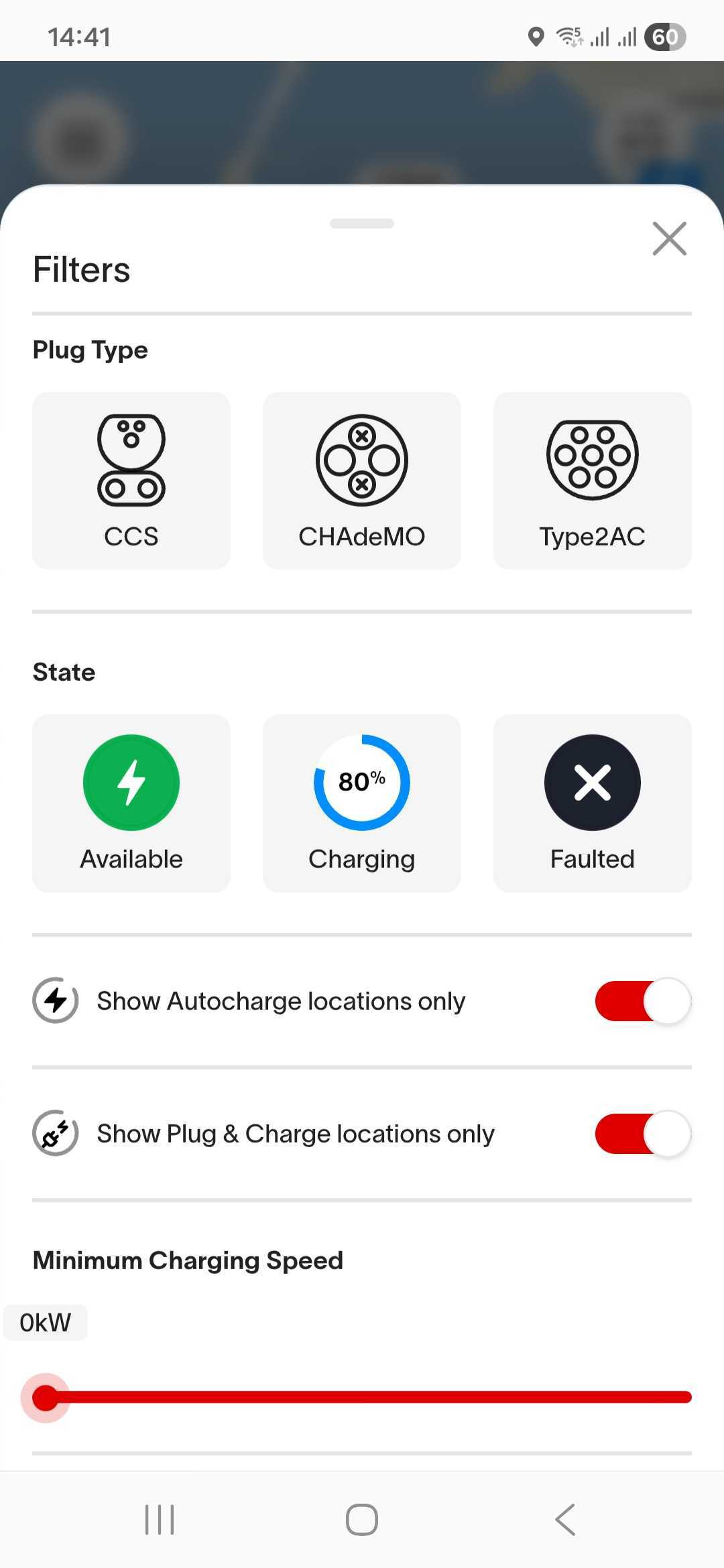
If you are checking on the in-app map, you will need to either click into each charger location individually to check if automatic charging is supported, or apply a filter to show Autocharge or Plug & Charge locations only on the in-app map.
On the map in the app, each charger location that supports either automatic charging technology will show “Supports Autocharge” or “Supports Plug & Charge” in the ‘About’ tab. If you have already linked Autocharge or Plug & Charge to at least one Vehicle, the corresponding icon and text will also show on the header for each location if supported.
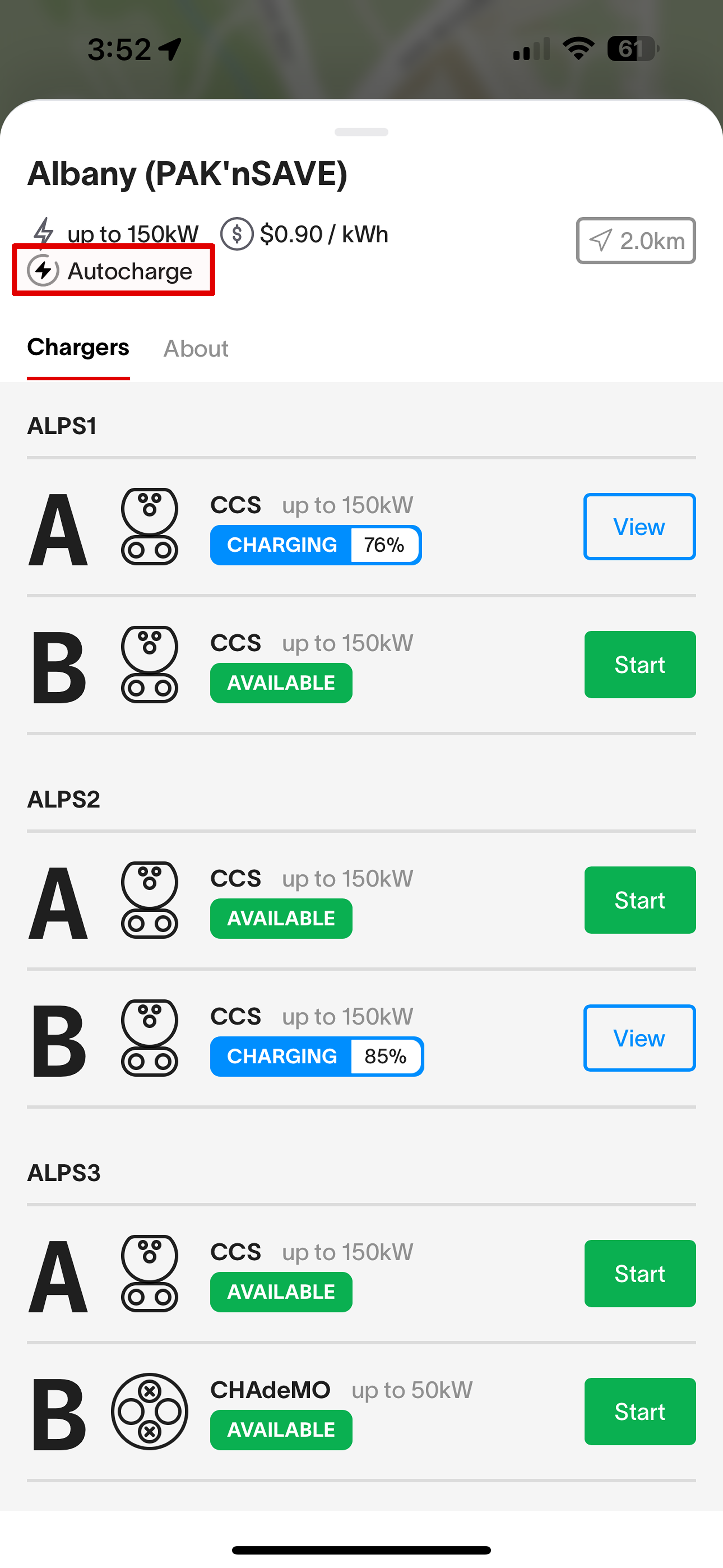
You can also filter the map to only show chargers that support Autocharge or Plug & Charge to see which locations are supported at a glance.
You will still be able to start your session normally with an RFID or via the app at chargers that are not compatible with Autocharge or Plug & Charge.