“Automatic charging” refers to both Autocharge and Plug & Charge. To find out more, see https://support.charge.net.nz/support-hub/automatic-charging
Adding a vehicle first and then linking it to automatic charging allows you to easily manage your Vehicle and automatic charging configuration. We can:
-
Ensure and track the correct vehicle, especially when you may have multiple vehicles.
-
Allow you to toggle automatic charging temporarily on or off or permanently remove it per vehicle.
If you would like more information on the vehicle data we use and store, please reach out to us at info@charge.net.nz
How do I add a Vehicle?
Enter the “Vehicles” tab in the navigation menu. It will take you to the below screen, with the option to add a vehicle.
.png?cb=4e2d72893d9462167616e95e4a580fc3)
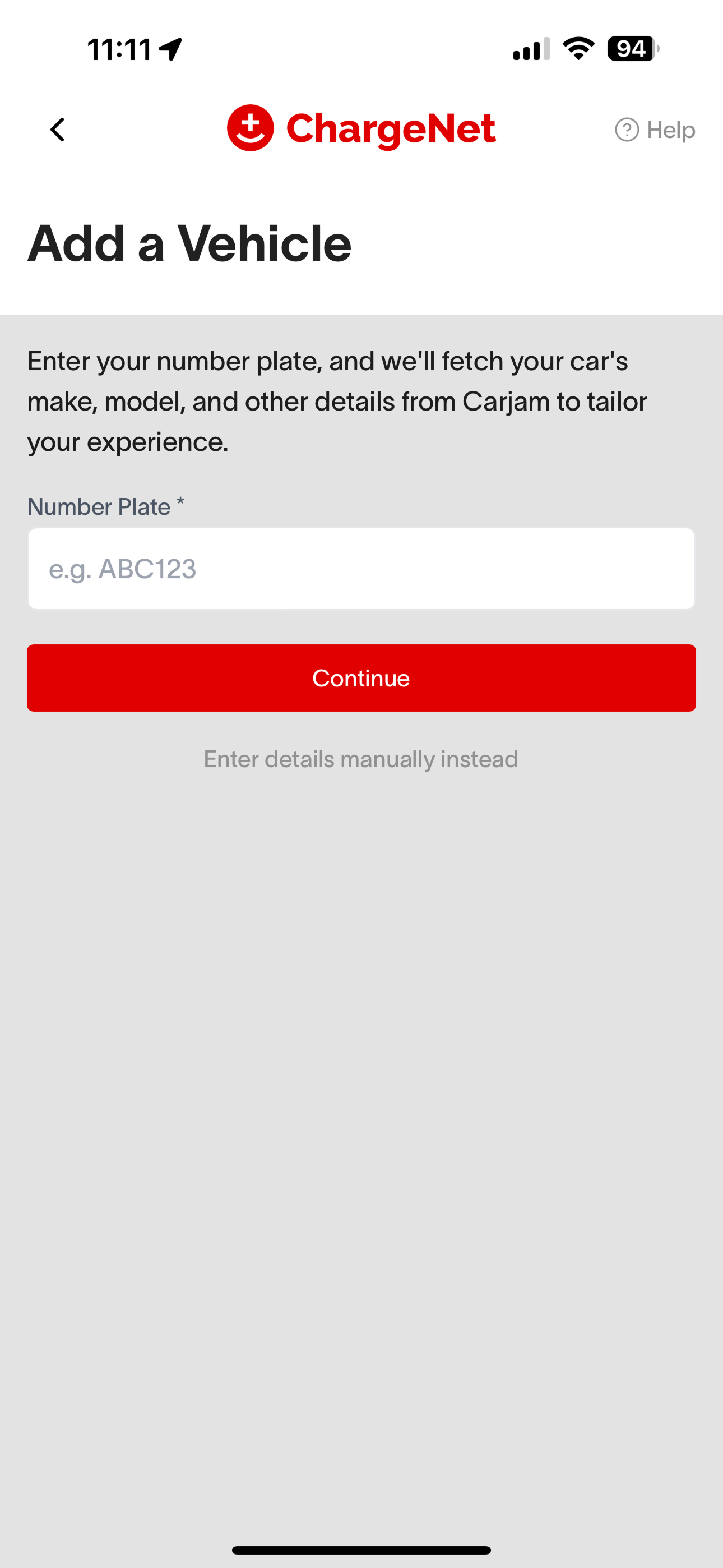
To create your vehicle profile you may choose to input your vehicle's number plate to look up publicly available information of your vehicle on Carjam. This information helps ChargeNet to troubleshoot and improve the services provided to you. How do I edit a Vehicle?
How do I edit a Vehicle?
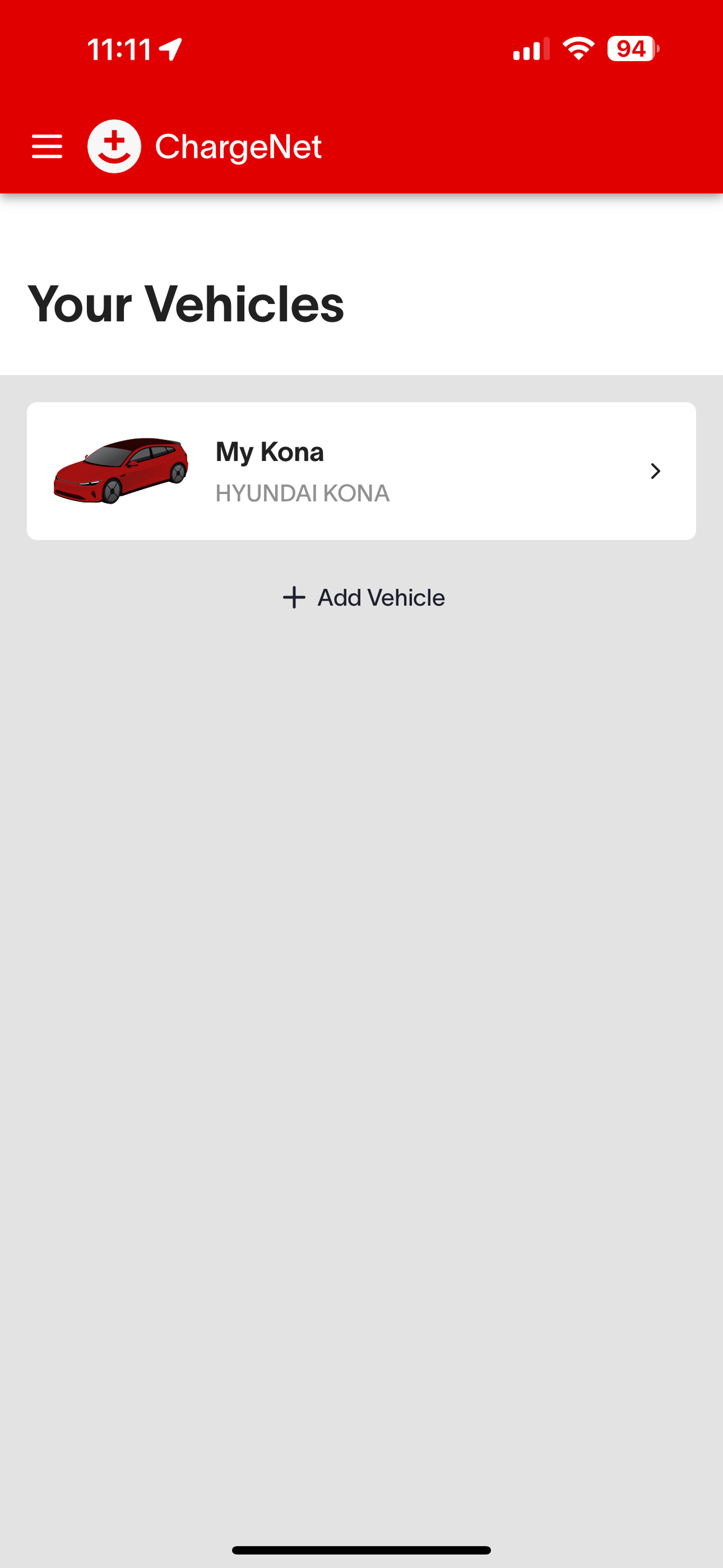
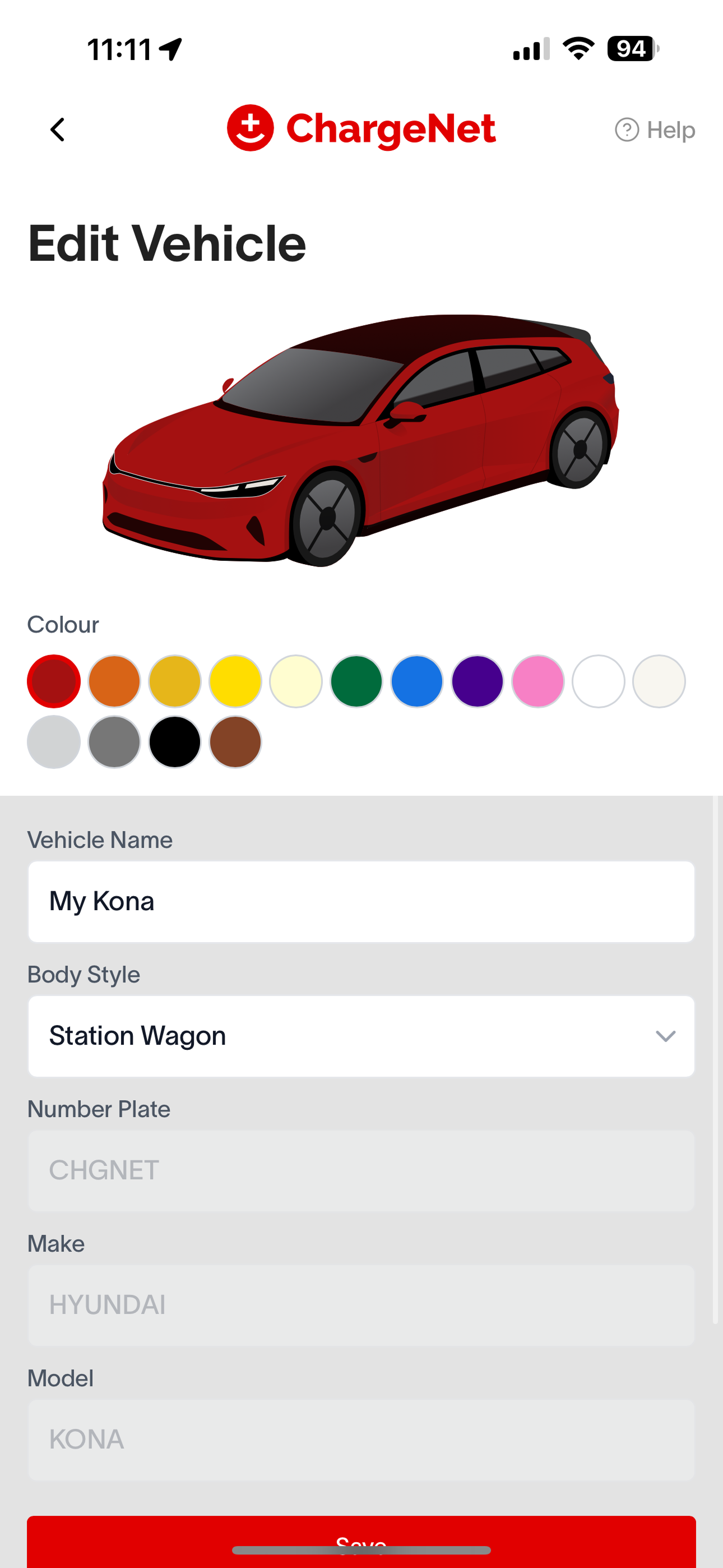
Once you’ve added a vehicle, you will be able to see it on the vehicles screen. Click into each vehicle to edit its name, colour, or body style.
How do I delete a Vehicle?
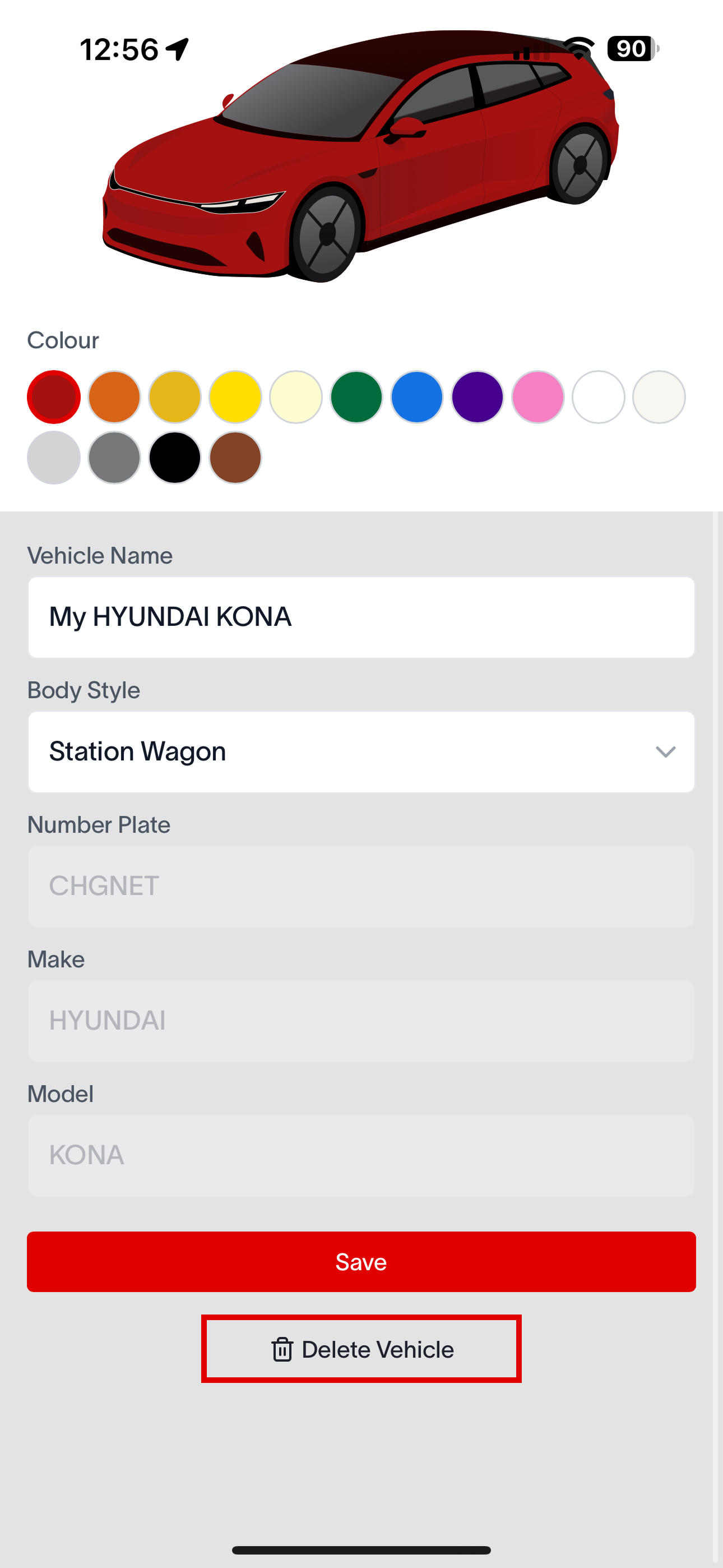
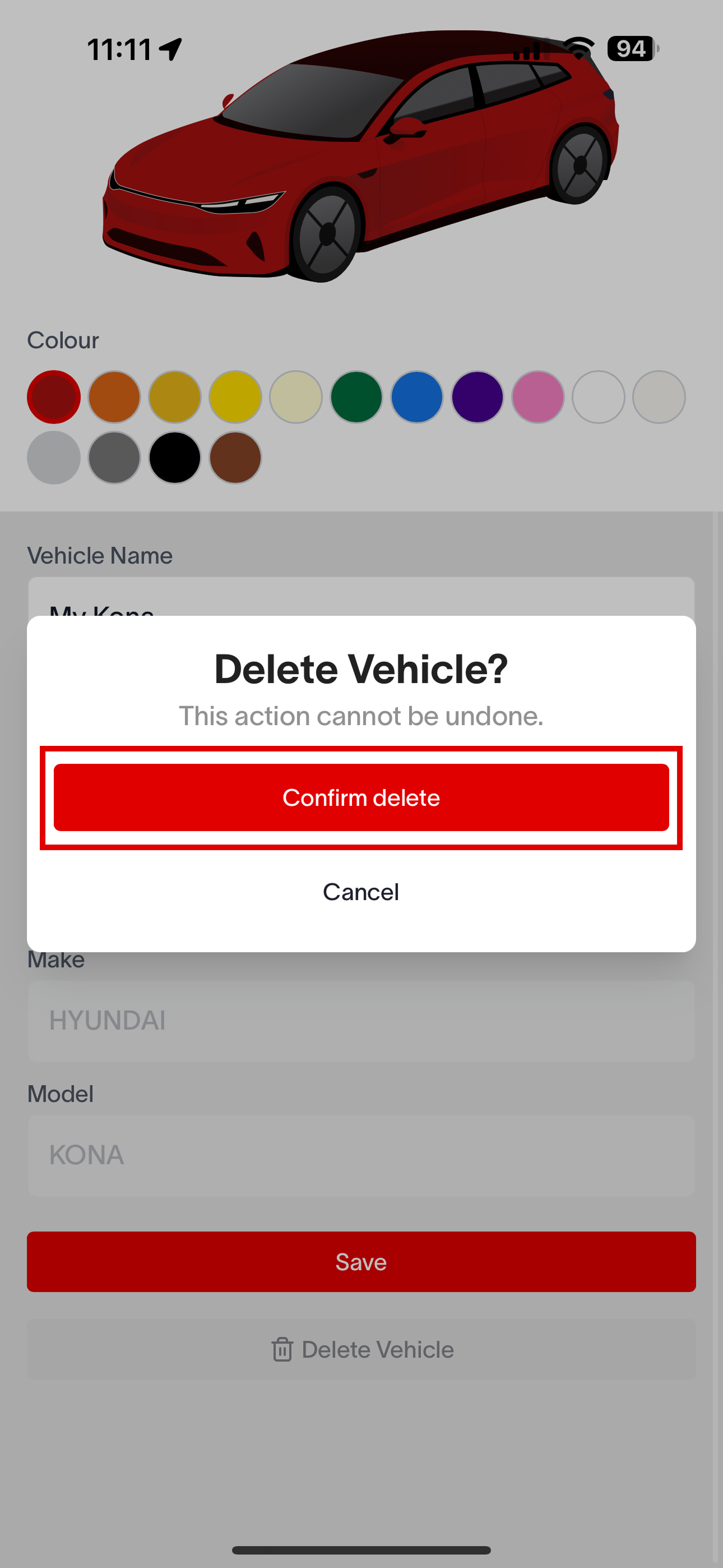
On the “Edit Vehicle” screen, scroll down, and you will see a button at the bottom to delete your vehicle. Click on this button and confirm deletion to delete your vehicle.
If you have automatic charging set up on the vehicle, it will also delete the automatic charging link.